
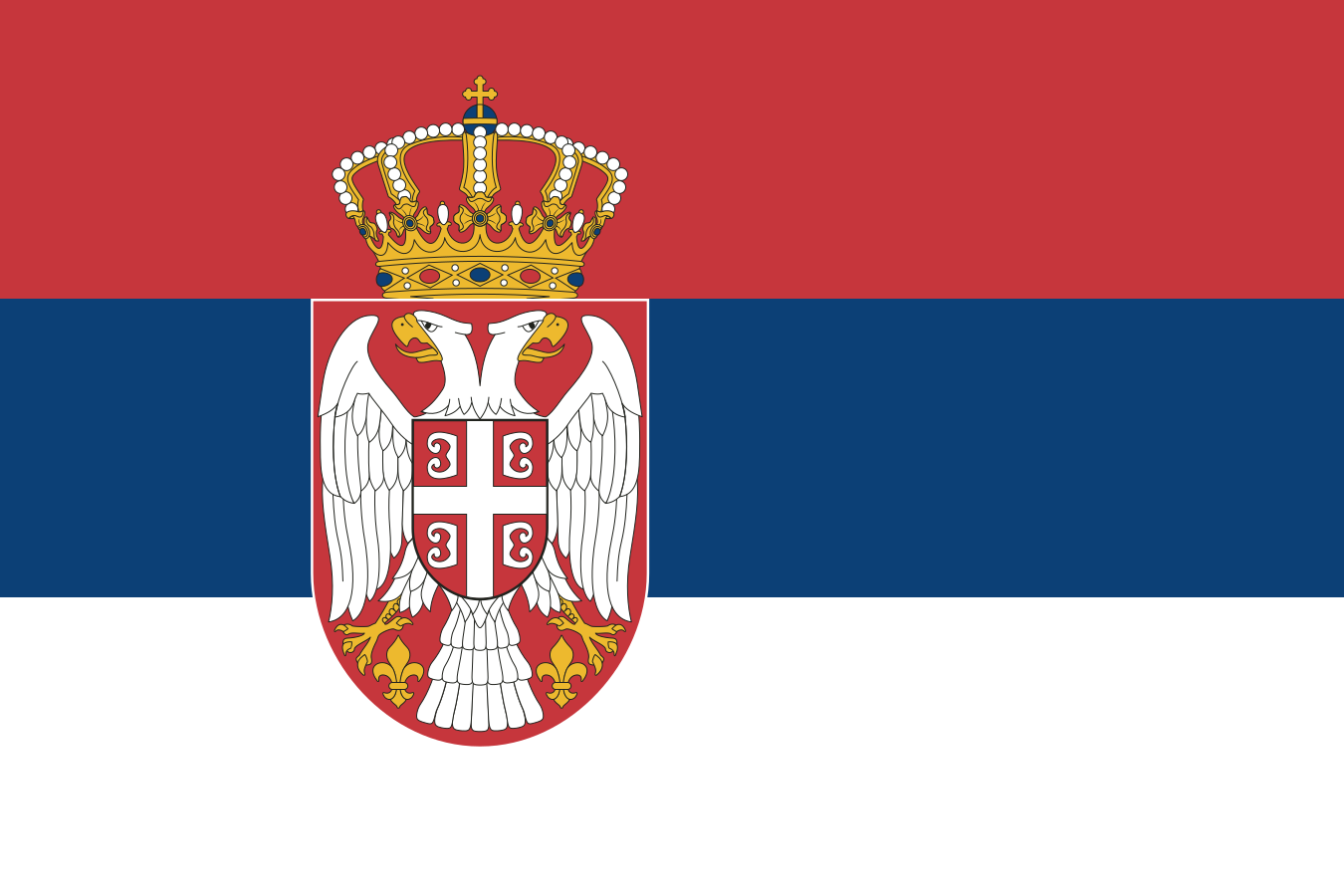
The best eSIM for Serbia, compared for you: price, data, coverage and activation.
Compare eSIM plans for Serbia: data, duration, prices and operators. Find the best offer and activate it now.
Each provider's best plan for this country, with the real price.
| Provider | Data | Duration | Price | Price/GB | |
|---|---|---|---|---|---|
 Saily ★ 4.7 · Review | 20 GB | 30 days | $37.10 | $1.86 | View → |
 Ubigi ★ 4.4 · Review | 20 GB | 30 days | $45.13 | $2.26 | View → |
 YesSim ★ 4.3 · Review | 10 GB | 30 days | $28.08 | $2.81 | View → |
 DrimSim ★ 4.1 · Review | 5 GB | 30 days | $15.70 | $3.14 | View → |
A comparison of the cheapest plans, all providers combined.
| Provider | Data | Duration | Price | Price/GB |
|---|---|---|---|---|
Saily | 1 GB | 7 days | $4.01 | $4.01 |
DrimSim | 1 GB | 7 days | $4.98 | $4.98 |
Ubigi | 500 MB | 30 days | $5.01 | $10.03 |
YesSim | 1 GB | 7 days | $6.02 | $6.02 |
Ubigi | 1 GB | 30 days | $7.02 | $7.02 |
Saily | 3 GB | 15 days | $9.03 | $3.01 |
Finding the best Serbia eSIM plan is not just about choosing the largest data allowance: you also need to consider the network used, the actual validity period and your itinerary. This guide helps you buy, install and use your eSIM card in Serbia with a reliable connection, from Belgrade to the mountainous regions.
An eSIM is a digital SIM card built into your phone that downloads a mobile profile instead of requiring a plastic chip. For Serbia, you buy a data plan online, usually receive a QR code or installation link, and then add this profile to your device. You can therefore prepare your connection from home, over Wi-Fi, before you even board the plane.
In practice, a travel eSIM connects your phone to a partner mobile network once you are in Serbia. The eSIM provider does not necessarily own its own antennas: it negotiates access with a local operator and then charges you for a simple prepaid data plan. On arrival, your phone connects to the network, you enable data roaming on the eSIM line, and the Internet becomes available without visiting a shop or changing your physical card.
The main difference from a regular SIM is convenience. A physical SIM must be purchased, inserted and carefully kept; an eSIM is installed through your settings and can be deactivated without being deleted. Recent phones often support two lines simultaneously: keep your French card for important calls or SMS, and assign mobile data to the Serbian eSIM. However, bear in mind that a travel eSIM is usually a data-only plan, with no Serbian number or cellular calls included.
The best eSIM for Serbia is the one that relies on a good local network for your itinerary, not necessarily the one advertising the largest data allowance. The country’s three main mobile networks are mts (Telekom Srbija), A1 Serbia and Yettel. Travel eSIMs use one or more of these partners; check this information in the plan details when the provider discloses it.
In Belgrade, Novi Sad, Niš, Kragujevac and Subotica, 4G is widely available and more than sufficient for navigation, social media, video calls and occasional tethering. 5G is gradually being rolled out depending on the area and operator, but it should not be your only criterion: stable 4G often provides a more useful experience than an intermittent 5G logo. In favorable urban conditions, speeds easily support video streaming or cloud work; they naturally fluctuate depending on the time and network congestion.
As soon as you leave urban areas, the terrain becomes more important. Along major roads, around Fruška Gora, in resorts such as Kopaonik and Zlatibor, and in popular tourist areas, the connection is generally usable. However, some valleys, wooded sections, isolated villages and mountain roads in the southwest or east may switch to weak 4G, 3G or a temporary lack of signal. No eSIM plan can turn a dead zone into a covered area.
For a road trip, favor an eSIM that allows manual network selection or offers several partners. If the automatic network is slow near Tara, Đerdap National Park or in a border area, choosing another available operator in the settings can make a difference. Also download your maps for offline use: this is a more effective precaution than relying on perfect coverage everywhere.
A local Serbia eSIM is the most logical choice if you are staying in the country: it often offers better value for money in terms of data allowance and cost, with validity suited to a stay of a few days or weeks. It is perfectly suitable for a city break in Belgrade, a Novi Sad–Niš circuit or a holiday focused on the Serbian mountains.
A Balkans or wider Europe plan becomes more relevant if your itinerary crosses several borders. This is common on a Belgrade–Sarajevo–Mostar trip, a loop toward Montenegro, a journey to Skopje in North Macedonia, or an arrival from Croatia, Hungary, Romania, Bosnia and Herzegovina, Albania or Kosovo. Check the coverage list country by country: “Europe” never automatically means that all the Balkans are included.
The convenience of a regional plan is real: one installation, one usage tracker and a connection that resumes when crossing the border. In return, the price per gigabyte may be higher and the partner network may differ from one country to another. If you spend only one day in a neighboring country, a small regional allowance may be more convenient than a second eSIM; for several weeks in one country, a national plan is generally more sensible.
Reviews are generally positive when the eSIM is installed before departure and the traveler understands that they are buying a data plan, not a complete local number. The simplicity is particularly appreciated on arrival: no queues, no form to fill out in a shop and a connection available for ordering a taxi, checking a reservation or contacting loved ones.
Complaints more often concern setup than the technology itself. An eSIM line may be installed but provide no Internet if data roaming is not enabled, if the wrong SIM is selected for data or if the APN requested by the provider has not been entered. Disappointed users are also those who confuse the installation period with the start of validity, or who expect constant 5G in rural areas.
The right approach is to assess a plan based on concrete criteria: network used, data allowance actually included, duration, top-up options, hotspot availability and support quality. A very cheap plan may be excellent for checking maps, but less suitable for remote work if its speed is throttled or tethering is prohibited.
Install your eSIM before leaving, but activate mobile data only when you are ready to use the plan. This will save you the stress of configuring it in the airport terminal with a low battery.
Make sure your smartphone supports eSIM and is unlocked. Also install system updates before departure: an up-to-date iPhone or Android device reduces profile-addition errors and displays Dual SIM options more clearly.
Buy your plan over Wi-Fi and keep the confirmation email, QR code, manual activation code and APN instructions in your notes or screenshots. Do not scan the QR code from the same screen without an alternative: open it on a computer, print it or use the installation link provided.
On iPhone, open Settings > Cellular > Add eSIM > Use QR Code, then follow the setup assistant. On Android, the path is generally Settings > Connections > SIM Manager > Add eSIM, or Settings > Network & Internet > SIM > Add eSIM; the wording varies slightly between Samsung, Pixel and other brands.
Once you arrive in Serbia, activate the eSIM line, set it as your mobile data line and enable “Data Roaming” on this line only. Most profiles configure the APN automatically; if the Internet does not work, enter the APN specified by the provider exactly in the mobile network settings, without making up a value.
First turn airplane mode off and back on for about thirty seconds, or restart your phone. Then check that the eSIM is active, selected for data, that roaming is allowed and that the French SIM is not being used for data; finally, try another manual network if the provider allows it before contacting support.
Yes, you can generally keep your French number while using data from the Serbian eSIM, provided your phone supports Dual SIM. Set the French card as your calls and SMS line, and the eSIM as your data line. Disable data roaming on your regular SIM to prevent it from using roaming data charged by your French operator.
Most travel eSIM cards are data-only: they include neither a local number nor traditional calls or cellular SMS. This does not prevent you from using WhatsApp, Signal, Telegram, Messenger, FaceTime Audio or Skype calls: these services work over the Internet and normally keep your existing account. WhatsApp will continue to display your French number, even if the data goes through a Serbian eSIM; do not re-register your account unnecessarily.
You can receive calls and SMS on your French number if you leave that line active, but these communications may be charged outside your plan depending on your contract. This is useful for receiving a banking code by SMS, but remember that not all banks offer app-based alternatives. Before traveling, enable your bank’s security notifications and check that its app can be accessed without SMS.
Tethering is very useful for a computer in a café, on a train or in accommodation without Wi-Fi. It is often allowed, but not always: check the plan policy before buying. One hour of video conferencing, cloud synchronization or a computer update can use far more data than expected; monitor your usage and top up through the provider’s app or website when your allowance gets low.
To estimate your needs, allow around 1 to 3 GB for a few days of maps, messages and searches, 5 to 10 GB for an active week, and more if you work remotely or share your connection. The best Serbia eSIM plan is the one whose duration covers your entire stay with a reasonable margin, without paying for data you will not use.
Yes, generally, once your profile is installed, the eSIM line is activated and data roaming is enabled. Test it after landing before leaving Nikola Tesla Airport, and keep a screenshot of the QR code and APN settings in case you need them.
It depends on the provider: it may begin upon installation, upon the first connection to a network in Serbia or when the plan is activated. Check this rule before buying, especially if you install the eSIM several days before departure.
No, an eSIM profile is normally linked to a single device, and its QR code can often be used only once. For a tablet, purchase a second compatible plan or temporarily share your phone’s connection if hotspot use is allowed.
Do not rely on a data-only eSIM for traditional emergency calls. In Serbia, dial 112 for general emergencies from a mobile line capable of making calls, or ask people nearby for help; keep your main SIM active for calls if necessary.
Rules vary considerably: refunds are often excluded after installation or data usage because the profile becomes usable. Read the terms before paying and contact support promptly with screenshots if the eSIM does not activate despite correct setup.
Compare the 18 eSIM plans available above and find the perfect offer for your stay in Serbia.
See all plans







 Airalo
 Holafly
 Saily
Saily YesSim
 DrimSim
 Ubigi
Ubigi