
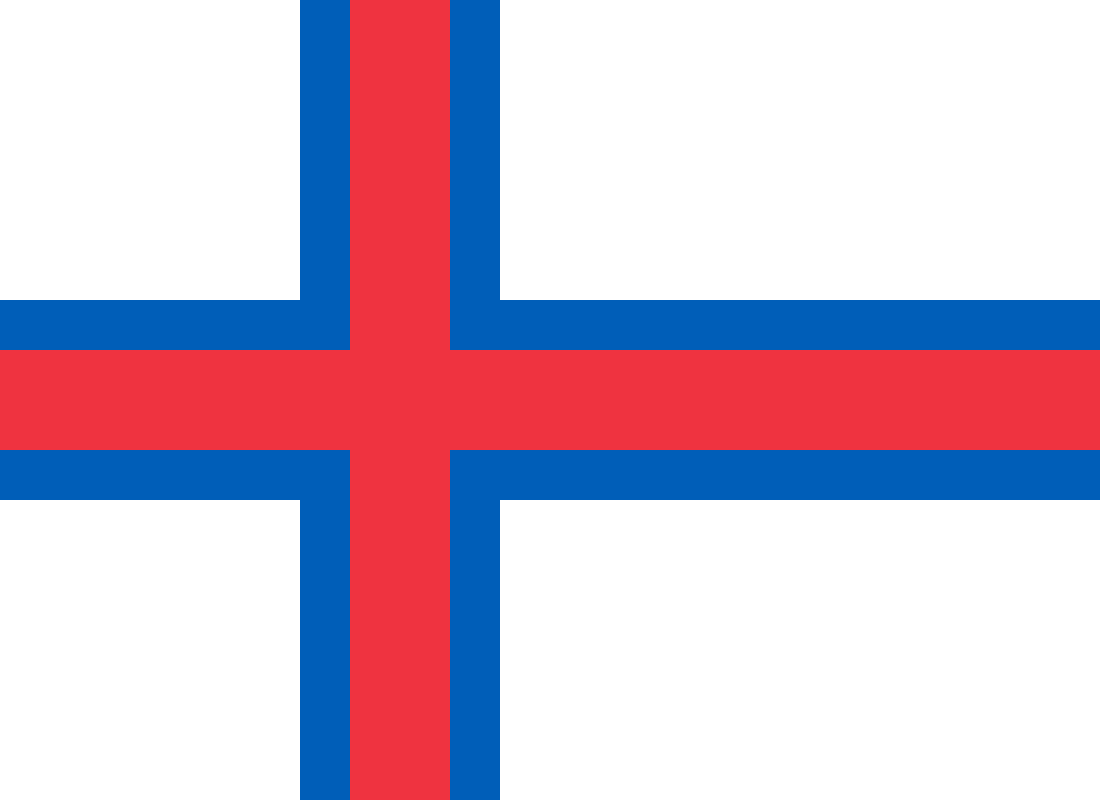
The best eSIM for Faroe Islands, compared for you: price, data, coverage and activation.
Compare eSIM plans for Faroe Islands: data, duration, prices and operators. Find the best offer and activate it now.
Each provider's best plan for this country, with the real price.
| Provider | Data | Duration | Price | Price/GB | |
|---|---|---|---|---|---|
 Saily ★ 4.7 · Review | 20 GB | 30 days | $37.10 | $1.86 | View → |
 YesSim ★ 4.3 · Review | 10 GB | 30 days | $28.08 | $2.81 | View → |
A comparison of the cheapest plans, all providers combined.
| Provider | Data | Duration | Price | Price/GB |
|---|---|---|---|---|
Saily | 1 GB | 7 days | $4.01 | $4.01 |
YesSim | 1 GB | 7 days | $6.02 | $6.02 |
Saily | 3 GB | 15 days | $9.03 | $3.01 |
YesSim | 3 GB | 15 days | $12.03 | $4.01 |
Saily | 5 GB | 30 days | $14.04 | $2.81 |
YesSim | 5 GB | 30 days | $18.05 | $3.61 |
Choosing the best Faroe Islands eSIM plan requires a little more attention than a simple trip to mainland Europe: the archipelago is not automatically covered by all European roaming plans, and its terrain greatly affects signal quality. This guide helps you choose the right amount of data, the right network and configure your eSIM without unpleasant surprises, from Vágar to Viðoy.
An eSIM is a digital SIM card built into your phone: instead of inserting a plastic chip, you download a mobile profile that gives you access to the local network. For a trip to the Faroe Islands, you generally buy a prepaid plan online, receive a QR code by email, then add this profile in your phone’s settings. You can therefore buy and install your eSIM safely before departure, using your usual Wi-Fi.
Once you are there, it works much like a traditional SIM. Your phone connects to a local partner, your plan provides a data allowance and its validity lasts for the advertised number of days. The main difference is convenience: no shop to find at Vágar Airport, no SIM tray to open in the wind or rain, and no physical card to keep until you return.
A travel eSIM is usually a data-only plan, meaning it is intended for mobile Internet. It does not necessarily replace your French or Belgian line: with Dual SIM, you can keep your regular SIM for your number, bank SMS messages or important calls, while using the Faroese eSIM for data. WhatsApp, Signal, FaceTime, Telegram and Internet calls then work normally with your existing number.
However, two often-overlooked conditions apply. Your device must genuinely support eSIM technology, and it must be unlocked: a phone tied to an operator may reject a profile from another network. Check both points before buying, especially if you purchased your phone outside Europe, have an older model or use a business device managed by a company.
The best eSIM for the Faroe Islands is the one that uses a reliable local partner, ideally the Føroya Tele or Nema network, and matches your actual itinerary. On a small mountainous archipelago, the eSIM provider’s name matters less than the local network to which its plan connects you. Check this information in the plan details before paying; if it is not provided, ask customer support.
Around Tórshavn, Hoyvík, Argir, Klaksvík, Runavík, Fuglafjørður and inhabited areas of Streymoy, Eysturoy and Vágar, 4G is usually highly usable. 5G may be available in some urban and busy areas, but it should not be your only criterion. For checking Google Maps, booking accommodation, sending photos or using weather apps, good 4G is often more useful than theoretical 5G.
The Faroe Islands offer remarkable coverage considering their terrain, with tunnelled roads, coastal villages and scattered islands. This does not eliminate dead zones: cliffs, narrow valleys, hiking sections, secondary roads and very isolated areas may result in weak or intermittent signal. On islands such as Kalsoy, Svínoy, Fugloy, Mykines, or in certain remote parts of Sandoy and Suðuroy, never rely on the network for your safety or navigation.
Under favourable conditions, speeds easily support browsing, messaging, music and occasional video calls. However, speeds can vary depending on the wind, weather, building where you are staying, congestion and frequency used. Plans advertised as “unlimited” may also apply a fair usage policy or slow down after a certain volume: read the terms, especially if you work remotely or share your connection.
For a trip exclusively within the archipelago, a dedicated Faroe Islands eSIM is often the simplest choice: it targets the local network, prevents you from paying for coverage you do not need and may offer a more suitable data allowance. It is the logical option for a week-long road trip between Vágar, Streymoy, Eysturoy and the Northern Islands.
A regional eSIM becomes worthwhile if the Faroe Islands are just one stop on your trip. This is common on itineraries combining Copenhagen, Denmark, Iceland, Norway or the United Kingdom. Be careful: many plans called “Europe” do not automatically include the Faroes. The archipelago is linked to the Kingdom of Denmark, but it is not part of the European Union; the Faroe Islands must therefore appear explicitly in the list of covered destinations.
Also compare how the plan works. A regional plan may switch networks automatically from one country to another, which is convenient during a stopover in Copenhagen or Reykjavik. In return, it may cost more per gigabyte, offer less data in the Faroe Islands or allow a different partner network. For a long Faroese stay with a short stopover, two small separate eSIMs may sometimes make more sense than one large regional plan.
Traveller feedback is generally positive when the eSIM is installed before departure and relies on a good local network: the main benefit is immediate connectivity without wasting time looking for a shop. Users also appreciate keeping their main SIM card in the phone, which prevents them from missing a verification SMS or losing access to their usual number.
Disappointments rarely stem from the eSIM technology itself. They are more often related to choosing a plan without checking that the Faroe Islands appear in the coverage list, misunderstanding the validity date or leaving data settings on the domestic SIM. Another commonly mentioned issue is the difference between coverage in towns and the reality on scenic roads, ferries and trails: no eSIM can overcome the limitations of the terrain.
Support makes a real difference when activation gets stuck. Choose a seller that provides clear instructions, an APN if necessary, a responsive contact method and a clear refund policy. A plan that is a few euros cheaper loses all its appeal if you have to spend your first evening in Tórshavn unable to contact support.
Installation usually takes a few minutes if you do it over a stable Wi-Fi connection before travelling. Install the profile in advance, but only activate data when instructed by your provider so you do not unnecessarily start the validity period.
Confirm that your phone supports an eSIM and is unlocked. Also make sure it has sufficient battery and a reliable Wi-Fi connection: the profile download may fail over unstable 4G or in a congested airport.
Choose the data allowance and duration according to your trip, then provide an accessible email address. You will receive a QR code or a manual activation code; save it in your files and keep a copy on another device without sharing it publicly.
On iPhone, go to Settings > Cellular > Add eSIM, then scan the QR code. On Android, the path varies by brand, but it is generally found under Settings > Connections or Network & Internet > SIM > Add eSIM. Give the line a clear name, such as “Faroes data”, to avoid confusing it with your regular SIM.
When landing in Vágar or as soon as you arrive in the archipelago, set the eSIM as your mobile data line, enable data roaming on this line if required by the provider and leave your main SIM for calls. The APN is often configured automatically; if Internet does not start, copy the APN provided in the instructions exactly, without adding spaces or changing capitalisation.
First turn airplane mode on and off for around thirty seconds, or restart the phone. Then check that the eSIM is enabled, selected for data, allowed to use roaming and that your domestic SIM is not using data. If the problem continues, send support screenshots of the settings, displayed network and error message.
You can keep your usual number while using a travel eSIM for Internet through Dual SIM. In the settings, assign mobile data to the Faroese eSIM and leave your French, Swiss, Belgian or Canadian SIM active only for necessary calls and SMS. However, disable data roaming on this main SIM: otherwise, a background update could cost you a great deal.
Most travel eSIMs for the Faroe Islands are data-only: they include neither a local number nor traditional phone calls or outgoing SMS. This is not a problem for most travellers. WhatsApp keeps your account and original number, even though the app uses the eSIM’s data; you can call, receive messages, share your location and send photos as usual. To contact a hotel or restaurant that does not respond via messaging, use WhatsApp, FaceTime Audio, Skype or your regular line with caution.
Hotspot sharing is generally allowed, but this must be confirmed in the plan terms. It is very useful for working on a laptop in a guesthouse, connecting a tablet or helping a travel companion. However, a video call, iCloud or Windows backup, map download and especially video streaming can use up several gigabytes very quickly. Protect the hotspot with a strong password and disable automatic updates on connected devices.
If you are approaching your limit, first check the provider’s app or customer area: the phone’s counter is only an estimate. Some plans allow a top-up, while others require you to buy a new eSIM. Do not delete your profile thinking you can reinstall it later: many QR codes can only be used once. Keep the profile until the end of your trip and buy a top-up before you run out completely if your access is important.
As a general guide, allow 1 to 3 GB for a short trip with extensive Wi-Fi use, 3 to 8 GB for a week of navigation, messaging and photos, and more if you work remotely, share your connection or watch videos.
Yes, in principle as soon as your phone picks up a partner network and the line is set for mobile data. Install it before departure and enable roaming on the eSIM if the instructions require it; the building, crowds or an incorrect setting may nevertheless delay the connection by a few minutes.
It depends on the provider: it often starts at the first connection to the local network, sometimes when the profile is installed and more rarely on a date set after purchase. Check this before scanning the QR code; it is particularly important if you install the eSIM several days before your flight.
Do not rely on a data-only eSIM for traditional emergency calls. In the Faroe Islands, the emergency number is 112; keep a working telephone solution, ask people nearby for help if necessary and do not travel alone in isolated areas assuming that an Internet app will be enough.
No, an eSIM profile is normally linked to a single device, and its QR code is often single-use. To connect a tablet or computer, use your phone’s hotspot if the plan allows it, or buy a separate eSIM for each device.
This depends on the seller’s policy and the status of the profile. An eSIM that has not been downloaded may sometimes be refundable, but refunds are often limited after activation. Contact support immediately, provide the requested screenshots and avoid deleting the eSIM before troubleshooting is complete.
Compare the 9 eSIM plans available above and find the perfect offer for your stay to Faroe Islands.
See all plans







 Airalo
 Holafly
 Saily
Saily YesSim
 DrimSim
 Ubigi
Ubigi