
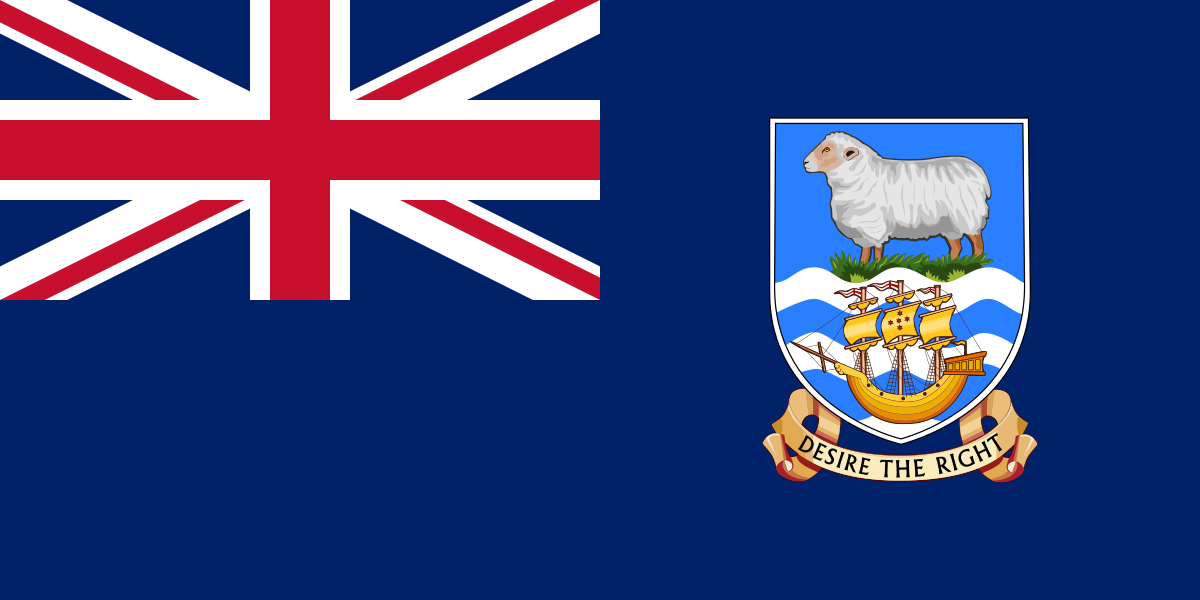
The best eSIM for Falkland Islands, compared for you: price, data, coverage and activation.
Compare eSIM plans for Falkland Islands: data, duration, prices and operators. Find the best offer and activate it now.
Each provider's best plan for this country, with the real price.
| Provider | Data | Duration | Price | Price/GB | |
|---|---|---|---|---|---|
 Saily ★ 4.7 · Review | 20 GB | 30 days | $37.10 | $1.86 | View → |
 YesSim ★ 4.3 · Review | 10 GB | 30 days | $28.08 | $2.81 | View → |
A comparison of the cheapest plans, all providers combined.
| Provider | Data | Duration | Price | Price/GB |
|---|---|---|---|---|
Saily | 1 GB | 7 days | $4.01 | $4.01 |
YesSim | 1 GB | 7 days | $6.02 | $6.02 |
Saily | 3 GB | 15 days | $9.03 | $3.01 |
YesSim | 3 GB | 15 days | $12.03 | $4.01 |
Saily | 5 GB | 30 days | $14.04 | $2.81 |
YesSim | 5 GB | 30 days | $18.05 | $3.61 |
Choosing the best Falkland Islands eSIM plan requires a little more attention than choosing one for a highly touristy destination: the archipelago is vast, sparsely populated and relies on a single mobile network. This guide helps you choose the right amount of data, understand actual coverage and install your eSIM without unpleasant surprises, from Stanley to the most isolated camps.
An eSIM is a digital SIM card built into your phone: instead of inserting a plastic chip, you download a mobile profile provided by your eSIM seller. After purchasing, you will generally receive a QR code or activation code to add in your settings. This profile allows your device to connect to the partner network available in the Falkland Islands without removing your French, Belgian, Swiss or Canadian SIM.
In practical terms, a travel eSIM mainly includes mobile data and works like a second line. You can purchase and install it over Wi-Fi before departure, then activate it for data when you arrive. This is particularly convenient in Stanley, where shops and opening hours may be limited, and even more so if your itinerary quickly takes you outside the capital.
The difference from a physical SIM is therefore not network quality, but how you obtain and manage it. A local Sure SIM purchased on site can be useful if you need a local number or in-person assistance; a travel eSIM prioritises simplicity, keeping your usual line and purchasing in advance. Be aware that your phone must support eSIM and be unlocked; a device locked to an operator may not always accept a third-party profile.
The best Falkland Islands eSIM plan is one that uses Sure South Atlantic, the archipelago’s sole mobile operator. International eSIM sellers do not own their own network there: they purchase roaming access from a local partner. Before paying, check clearly that the Falkland Islands / Îles Malouines appear in the coverage list and, if stated, that the partner is Sure.
Coverage is most reliable in Stanley, the main populated centre, as well as in places where more people live or pass through. Sure provides mobile services including 2G and 4G/LTE. Do not choose a plan expecting widespread 5G: that is not the relevant criterion here. Availability, weather, terrain and limited infrastructure capacity often matter much more than the logo displayed by your phone.
As soon as you travel towards the camps, outer islands, unpaved tracks or wildlife areas such as Sea Lion Island, Carcass Island, West Falkland or more isolated parts of East Falkland, the signal may become intermittent or disappear altogether. An eSIM cannot create a network where no antenna is accessible. For penguin watching, hiking or wildlife photography trips, download maps, bookings and documents before leaving Stanley.
Speeds may be sufficient for maps, messages, emails and practical searches when the signal is good, but it is sensible to treat the network as a precious resource. Video calls, automatic photo backups and high-definition videos can use up your data allowance very quickly and may not be enjoyable over a remote connection. Choose an eSIM that clearly advertises 4G, allows hotspot use if needed and offers easy top-ups.
For a trip limited to the archipelago, a Falkland Islands-specific eSIM is generally the most logical choice: you pay for a destination that is rarely included in catalogues and avoid buying a large regional plan whose local coverage may be unclear. As offers change quickly, never assume that a “South America” pass automatically includes the Falkland Islands: many cover Argentina and Chile but not this archipelago.
A multi-country plan becomes worthwhile if your trip combines the Falkland Islands with Buenos Aires, Argentine Patagonia, Ushuaia, Punta Arenas or Santiago. It avoids changing profiles at every stop and can be convenient during layovers. However, technical conditions may differ from one country to another: the data allowance may be shared, speeds or partner networks may not be identical, and the portion used in the Falkland Islands may be considerably more expensive to provide.
Cruise passengers should be particularly careful. A land-based eSIM works when your phone connects to the network on the islands; it does not replace the ship’s maritime roaming, which is often expensive. Disable the eSIM line once at sea if the phone switches to a maritime network, and use the ship’s Wi-Fi only after checking its price and limits.
Reviews are generally positive about preparation before departure: receiving your QR code in advance avoids having to look for a shop after a long journey and allows you to keep your usual SIM for security codes. Travellers also appreciate being able to check a booking, contact accommodation or use a map on arrival in Stanley without activating out-of-plan data from their regular operator.
The main source of disappointment is not necessarily the eSIM itself, but expectations regarding actual coverage. Some users mistakenly equate an international eSIM with a connection available everywhere. The archipelago remains a low-density destination: outside areas served by Sure, changing eSIM brands will not solve the problem. The most satisfied reviews often come from travellers who prepared their content offline.
Reviews also mention the price per gigabyte, which is often higher than in larger countries, and activation rules that can sometimes be misunderstood. A plan may start running as soon as it first connects to the network, while some are activated upon installation or on a date set by the provider. Read this rule, the top-up conditions and support contact details before purchasing, not once you are already far from Wi-Fi.
The safest method is to purchase and download your eSIM over Wi-Fi before travelling, without using it as your data line until you arrive.
Confirm that your phone supports eSIM and is unlocked. Also check that it can manage two lines simultaneously if you want to keep your usual number active for calls and SMS.
Choose a plan that explicitly mentions the Falkland Islands, its data allowance, duration and the option to top up. Keep the QR code in your email, but also save the instructions offline: if you need to scan it with the same device, open the code on a second screen or use manual activation.
On iPhone, open Settings > Cellular > Add eSIM, then scan the QR code or enter the information provided. On Android, the usual path is Settings > Network & Internet > SIMs > Add SIM > Set up an eSIM; on Samsung, look instead for Connections > SIM manager > Add eSIM. Name the line “Falkland Islands” to avoid mistakes.
On arrival, activate the eSIM line, set it as your mobile data line and enable data roaming on this eSIM if the provider requires it: for a travel eSIM, this option is normally essential and does not incur charges from your main SIM. Leave the APN on automatic; if data does not start, enter exactly the APN provided by the seller without inventing a value.
Wait a few minutes, turn airplane mode on and off, and restart the phone if necessary. Check that the correct line is selected for data, that roaming is active on the eSIM and that your main SIM is not using data; then test automatic network selection. If this fails in an area that should be covered, send support screenshots of your settings and your EID/ICCID, without deleting the profile.
Yes, you can generally keep your usual number while using a travel eSIM for data, as recent phones support Dual SIM. Set your eSIM as the data line and keep your physical SIM or main eSIM for calls and SMS. However, disable mobile data and automatic data switching on your usual line to avoid unintended charges.
Most travel plans are data-only: they provide neither a local Falkland Islands number nor traditional phone calls or SMS. This does not prevent you from keeping your WhatsApp account with your existing number, exchanging messages or making calls through WhatsApp, Signal, FaceTime Audio, Telegram or Skype whenever data works. To receive banking codes by SMS, your usual line must remain active; check your operator’s possible reception or roaming charges beforehand.
Connection sharing is often allowed, but this must be confirmed in the plan’s terms. It is very useful for a computer during a Wi-Fi outage, but a video conference, cloud sync or system update can use several gigabytes much faster than browsing on a phone. In areas with a weak signal, the hotspot may also drain the battery without improving the connection.
If you approach your limit, immediately disable data-heavy services and check usage through the provider or your phone. Some eSIMs offer a top-up, while others require you to purchase a new plan. Do not wait until the last megabyte: away from Stanley, you may not have reliable Wi-Fi to buy an extension, and a new eSIM may require a second installation.
For light use, allow around 1 to 2 GB for a few days; for one to two weeks with maps, messages and daily searches, 3 to 5 GB provides more breathing room. Heavy users should mainly reduce video use: in an archipelago with uneven coverage, buying lots of data does not guarantee a connection everywhere.
It may work if the network is available and your plan is properly activated, but do not expect an immediate connection like at a major international airport. Keep your transfers and contact details offline, then test the eSIM as soon as you pick up a signal.
It depends on the provider: validity often begins at the first network connection, but sometimes starts upon installation or purchase. Check this rule before scanning the QR code, especially if you install the profile several days before departure.
No, an eSIM profile is normally intended for one device at a time. To connect a tablet or computer, use the hotspot if your plan allows it, or purchase a separate eSIM.
In an emergency, dial 999 to reach local emergency services when your phone has network coverage. A data-only eSIM does not guarantee traditional calls: memorise your accommodation’s instructions and plan a satellite option for isolated areas.
Rules vary considerably: a plan that has already been installed or used is often non-refundable, as the profile has been issued. Contact support with screenshots before deleting the eSIM; a refund or alternative solution will depend on the seller’s terms and diagnosis.
Compare the 9 eSIM plans available above and find the perfect offer for your stay to Falkland Islands.
See all plans







 Airalo
 Holafly
 Saily
Saily YesSim
 DrimSim
 Ubigi
Ubigi