
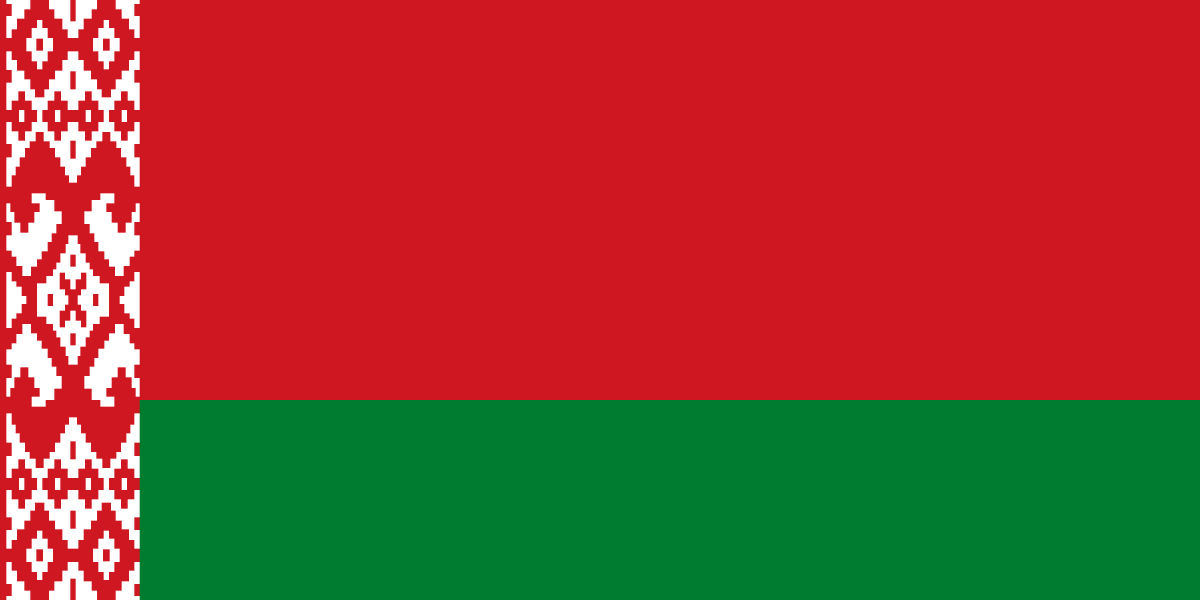
The best eSIM for Belarus, compared for you: price, data, coverage and activation.
Compare eSIM plans for Belarus: data, duration, prices and operators. Find the best offer and activate it now.
Each provider's best plan for this country, with the real price.
| Provider | Data | Duration | Price | Price/GB | |
|---|---|---|---|---|---|
 Saily ★ 4.7 · Review | 20 GB | 30 days | $37.10 | $1.86 | View → |
 Ubigi ★ 4.4 · Review | 20 GB | 30 days | $45.13 | $2.26 | View → |
 YesSim ★ 4.3 · Review | 10 GB | 30 days | $28.08 | $2.81 | View → |
A comparison of the cheapest plans, all providers combined.
| Provider | Data | Duration | Price | Price/GB |
|---|---|---|---|---|
Saily | 1 GB | 7 days | $4.01 | $4.01 |
Ubigi | 500 MB | 30 days | $5.01 | $10.03 |
YesSim | 1 GB | 7 days | $6.02 | $6.02 |
Ubigi | 1 GB | 30 days | $7.02 | $7.02 |
Saily | 3 GB | 15 days | $9.03 | $3.01 |
Ubigi | 3 GB | 30 days | $12.03 | $4.01 |
Choosing the best Belarus eSIM plan is not just about selecting the largest data allowance. Partner network, validity period, routes outside Minsk, phone settings, and managing your French line matter just as much. This guide helps you buy, install, and use an eSIM truly suited to your trip.
An eSIM is a digital SIM card built into your phone, which you download as a mobile profile instead of inserting a plastic chip. For a trip to Belarus, you generally buy a data plan online, receive a QR code by email, and then add it in your smartphone settings. Once the profile is activated, it connects to the provider’s Belarusian partner network, just like a local SIM would.
The main difference from a physical SIM is convenience: there is no shop to find, no passport to present at the counter, no SIM tray to open, and no risk of losing your French card. You can very often buy and install the eSIM before departure, as long as you have Wi-Fi. You then simply activate its data line when you arrive in Minsk, Brest, Grodno, or any other covered area. Be careful: installation and activation are not always the same thing, so read the plan’s policy carefully.
Most travel eSIMs are prepaid data-only plans: they provide mobile Internet access, but not a Belarusian phone number or traditional cellular calls. This does not prevent you from using WhatsApp, Telegram, Signal, FaceTime Audio, Messenger, or Teams calls. Your WhatsApp number normally remains linked to your usual number; the app simply uses the eSIM’s Internet connection.
The best eSIM for Belarus is the one that relies on a partner network suited to your itinerary, not necessarily the one offering the most data. The country’s main mobile operators are A1 Belarus, MTS Belarus, and life:); their coverage and roaming agreements vary between eSIM providers. Before buying, look for the name of the network or networks available rather than a vague promise of “national coverage”.
In Minsk, 4G is usually the standard for travelers, offering enough performance for navigation, bookings, social media, and reasonable video calls. Actual speeds depend on the time, neighborhood, building, and congestion: under good conditions, speeds of a few dozen Mbps are possible, but you should not base a critical professional need on a guaranteed speed. 5G should not be your main criterion: its availability for visitors and through roaming profiles is more variable than 4G.
The cities of Brest, Gomel, Vitebsk, Grodno, and Mogilev are generally well served, including train stations, city centers, and residential neighborhoods. However, the signal may weaken in villages, forests, nature reserves, or inside buildings with thick walls. In the Brest region, near Belovezhskaya Pushcha, or in some rural areas of the Vitebsk and Mogilev oblasts, download your maps and confirmations before leaving urban areas.
A travel eSIM may technically roam on a Belarusian network, even if you bought a “Belarus” plan. It is therefore normal for data roaming to need to be enabled on this line, without triggering your French operator’s roaming rates: usage is deducted from the prepaid eSIM plan instead. However, disable roaming on your main SIM if you want to avoid any accidental charges.
A national eSIM for Belarus does not automatically cover neighboring countries: it is often the most economical choice if you are staying in the country, but it will usually stop providing data as soon as you cross the border. Always check the list of destinations included in the plan, as terms such as “Europe” or “regional” may exclude some Eastern European countries or apply separate data allowances.
A multi-country eSIM becomes more attractive for an itinerary combining Belarus with Poland, Lithuania, Latvia, or, depending on travel rules and available offers, other regional destinations. It avoids installing several profiles and keeps you connected during cross-border journeys. In return, the price per gigabyte may be higher, the partner network may change from one country to another, and Belarusian coverage is not necessarily better than with a dedicated plan.
For a business trip limited to Minsk or a week between Brest and Grodno, a national offer using the right network is often more sensible. For a Vilnius–Minsk–Warsaw itinerary, a regional offer can simplify logistics, provided you confirm in writing that each country, including Belarus, is included in the coverage. Never assume that a European plan automatically includes this territory.
Traveler feedback shows that a Belarus eSIM is valued above all for its simplicity: remote purchase, the ability to connect without searching for a seller upon arrival, and keeping your usual SIM in the phone. Users who install the profile calmly before their flight often save time, especially when they need to order a taxi, contact a hotel, or check a booking as soon as they arrive.
Reported difficulties are less related to eSIM technology than to configuration details: the data line remaining on the French SIM, data roaming not being enabled on the eSIM, a QR code already used, or a missing APN. Some travelers also expect a perfect connection everywhere; in reality, a roaming offer depends on the available partner network and your location. An eSIM that works very well in central Minsk may be less reliable in wooded areas or an isolated accommodation.
The most useful reviews do more than say that a service “works”. They specify the network used, the city or road concerned, the phone model, whether hotspot use is supported, and the responsiveness of customer support. Be wary of “unlimited” data promises without reading the terms: some plans apply throttling after a daily or total threshold, which can turn a work connection into a frustrating experience.
Installation often takes less than ten minutes when completed over a stable Wi-Fi connection before departure. Do not delete the eSIM profile after installation: a QR code can generally be used only once.
Confirm that your smartphone supports eSIM profiles and is unlocked. Also check that you have a free eSIM slot: some phones store several profiles but allow only a limited number of active lines simultaneously. Update your system before leaving to avoid configuration issues at an airport.
Choose your plan based on the actual length of your stay, data allowance, and advertised network, then keep the email containing the QR code accessible offline. Take a screenshot or print it, but do not share it: this code may provide access to your profile. Read the validity rule immediately; some plans start upon installation, while others begin with the first connection in Belarus.
On iPhone, go to Settings > Cellular > Add eSIM, then choose “Use QR Code”. On Android, the most common path is Settings > Connections or Network & Internet > SIM Manager > Add eSIM, then scan the code; menu names vary depending on the Samsung, Pixel, or other brand. Give the line a clear name, such as “Belarus Data”, so you do not confuse it with your usual line.
Upon arrival, activate the eSIM line and select it as your default mobile data line. Enable data roaming on this eSIM if the instructions require it, but disable automatic cellular data switching and roaming on your French SIM. The APN is often configured automatically; if the seller provides one, enter it exactly in the mobile network settings without changing the other fields.
First, turn airplane mode off and on again for thirty seconds, or restart the phone. Check that the eSIM line is active, selected for data, that roaming is enabled on this line, and that the plan has not expired. If this does not help, try manually selecting an authorized network, check the APN, and contact support with screenshots rather than deleting the profile.
Yes, you can generally keep your French number while using a travel eSIM for data through Dual SIM mode. Set the Belarus eSIM as your mobile data line and leave your usual SIM active only if you need to receive SMS messages, especially banking codes. Be careful: receiving an SMS is often free, but calls made or received and data used on your main line may incur roaming charges depending on your operator.
The vast majority of travel eSIM cards are data-only. They therefore do not provide a local number for calling a Belarusian landline or receiving a traditional call. In practice, calls through WhatsApp, Telegram, Signal, FaceTime, Skype, or Teams work as long as you have data. WhatsApp does not change your number because you change your Internet source: decline any request to modify the number in the app if you want to keep your current account.
Hotspot sharing often allows you to connect a computer, tablet, or a companion’s phone to the eSIM plan. On iPhone, enable “Personal Hotspot”; on Android, look for “Mobile Hotspot”. However, check the terms of your offer: some eSIMs allow it without restrictions, while others block it or make it less reliable. A computer can use several gigabytes very quickly through updates, cloud synchronization, or video conferencing.
If you use up your data, do not automatically expect reduced speeds: many plans cut off the connection at 0 GB remaining. Check the provider’s app or portal, then buy a compatible top-up for the same profile if available. If no top-up is possible, install a new plan only after saving the useful information from the old one; do not delete an active eSIM unnecessarily.
For a week of browsing, messaging, and maps, 3 to 5 GB is often enough; plan for 8 to 15 GB for two active weeks or light remote work, and more if you share your connection or watch videos.
Yes, if the profile is installed, the plan is valid, and the area is covered. After disabling airplane mode, select the eSIM for data, enable its roaming if necessary, and wait a few minutes for it to register on the network.
It depends on the provider: validity starts either upon installation or when the eSIM first connects to a supported network. Check this rule before scanning the QR code, especially if you buy several days before your trip.
No, an eSIM profile is normally linked to one device, and the QR code is often single-use. To connect a second device, use hotspot sharing if the plan allows it, or buy a second plan.
Emergency calls should generally remain possible through the mobile network, but do not rely solely on a data-only eSIM. In Belarus, the general emergency number is 112; also keep your accommodation address and important contacts available offline.
A reliable VPN can improve privacy on public Wi-Fi and help access certain services, but it may also reduce speeds or be blocked. Install and test it before your trip; do not rely on downloading it after arrival.
Contact support before deleting the profile and provide screenshots of the settings, displayed network, and APN. Refunds depend on the terms: an unactivated eSIM is more likely to qualify than a plan that has already been used or expired.
Compare the 15 eSIM plans available above and find the perfect offer for your stay in Belarus.
See all plans







 Airalo
 Holafly
 Saily
Saily YesSim
 DrimSim
 Ubigi
Ubigi