
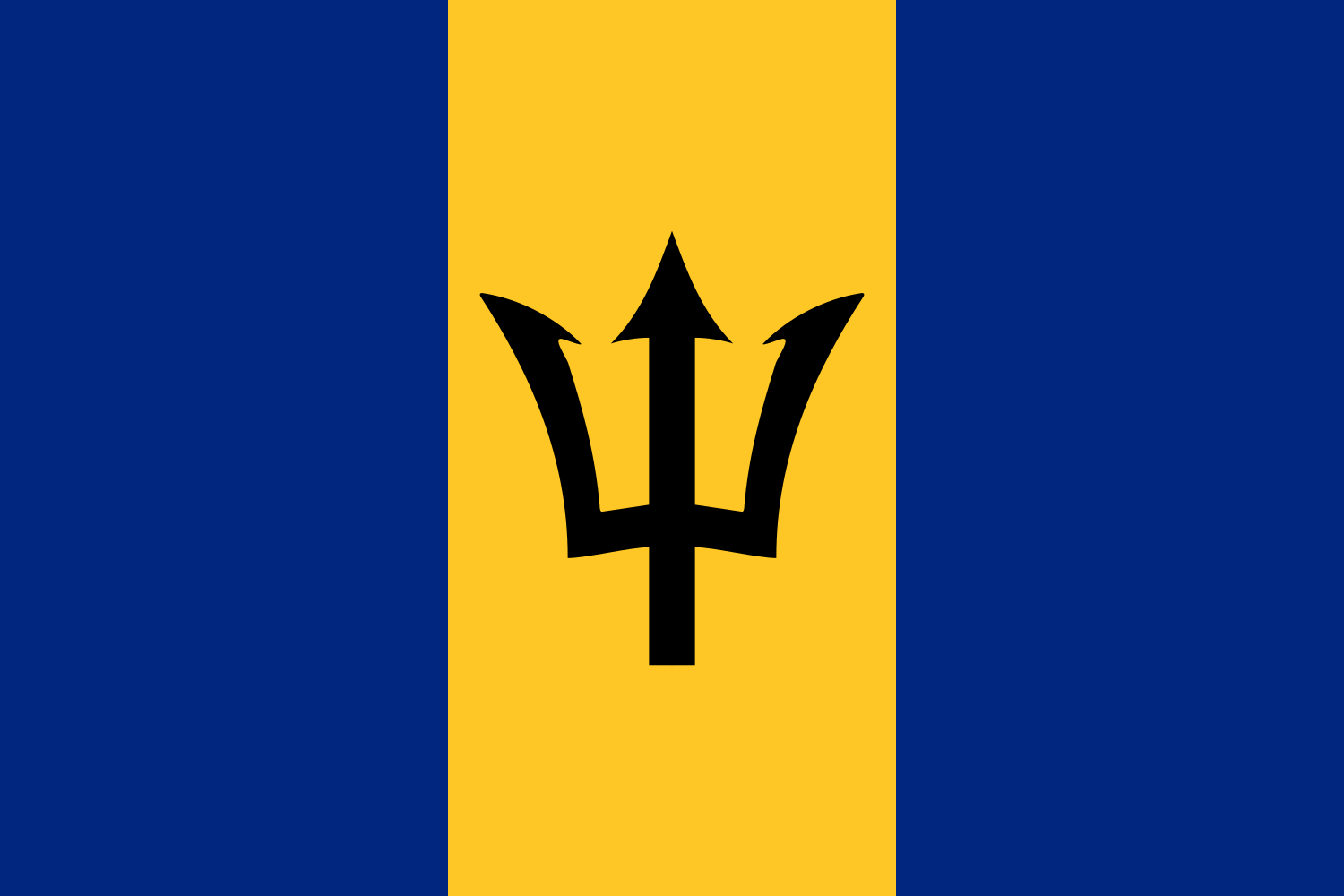
The best eSIM for Barbados, compared for you: price, data, coverage and activation.
Compare eSIM plans for Barbados: data, duration, prices and operators. Find the best offer and activate it now.
Each provider's best plan for this country, with the real price.
| Provider | Data | Duration | Price | Price/GB | |
|---|---|---|---|---|---|
 Saily ★ 4.7 · Review | 20 GB | 30 days | $37.10 | $1.86 | View → |
 YesSim ★ 4.3 · Review | 10 GB | 30 days | $28.08 | $2.81 | View → |
 DrimSim ★ 4.1 · Review | 5 GB | 30 days | $15.70 | $3.14 | View → |
A comparison of the cheapest plans, all providers combined.
| Provider | Data | Duration | Price | Price/GB |
|---|---|---|---|---|
Saily | 1 GB | 7 days | $4.01 | $4.01 |
DrimSim | 1 GB | 7 days | $4.98 | $4.98 |
YesSim | 1 GB | 7 days | $6.02 | $6.02 |
Saily | 3 GB | 15 days | $9.03 | $3.01 |
DrimSim | 3 GB | 15 days | $10.72 | $3.57 |
YesSim | 3 GB | 15 days | $12.03 | $4.01 |
Choosing the best Barbados eSIM plan means you won’t have to rely on your hotel’s Wi-Fi, look for a shop after landing, or worry about a roaming bill when you return home. This guide helps you compare plans, anticipate your data usage, check your phone and configure your eSIM correctly so you can enjoy the island as soon as you arrive.
An eSIM is a digital SIM card already built into your phone: instead of inserting a plastic chip, you download a mobile profile that connects your device to a partner network in Barbados. After purchase, the provider generally sends you a QR code, an installation link or direct activation through its app. You can buy and install this profile before departure, comfortably at home, and only use it once you arrive on the island.
The principle is simple: your phone can keep your French or Belgian SIM for your usual number, while the travel eSIM becomes the line dedicated to mobile data. This is known as Dual SIM functionality. You therefore do not need to remove your physical card, keep a tiny SIM tray in your bag or risk losing your main line. On recent models, several eSIM profiles can be stored, although only one or two may be active at the same time depending on the device.
A Barbados eSIM is most often a data-only plan: it provides Internet access, but not necessarily a local number for making calls or sending traditional SMS messages. This does not prevent WhatsApp, FaceTime, Signal, Telegram, Messenger or Wi-Fi calling from working with your usual number. The key point is to check that your smartphone is unlocked and eSIM-compatible before paying: a phone locked to an operator may reject a foreign profile even if it has eSIM technology.
The best Barbados eSIM is the one that uses a strong partner on the island and matches your itinerary—not necessarily the one promising the most data. The best-known local mobile networks are Digicel Barbados and FLOW Barbados. Travel eSIM providers rely on one of these networks, sometimes with the option to switch depending on the plan. Before buying, always check the advertised network: this information is often more valuable than a speed-related marketing slogan.
In busy and tourist areas, particularly Bridgetown, Holetown, Speightstown, Hastings, Worthing, Rockley and around Grantley Adams Airport, 4G is usually what you should expect. 5G connectivity may be available in certain locations and with certain partners, but it should not be your only criterion: phone compatibility, supported frequencies and network congestion all affect the result. For maps, bookings, social media and occasional video calls, good 4G LTE is more than sufficient.
Barbados is small, but its terrain and coastline create real differences. Along the busy west coast and southern corridor, the signal is generally more consistent than in some rural parts of the interior. As you travel towards St. Andrew, the Scotland District area, secondary roads in St. Joseph or more isolated sections of the east coast, speeds may drop and reception may become intermittent. This is not unique to eSIMs: a local SIM faces the same physical limitations.
In practice, expect performance to vary considerably depending on the time and location. Speeds of a few dozen Mbps are comfortable for most uses; a few Mbps are still enough for Google Maps, messages and audio calls. If you need to work remotely, allow extra data, choose accommodation with reliable Wi-Fi and ideally use an eSIM that supports hotspot. Do not schedule a critical meeting from an isolated beach or an inland road without a backup option.
A local Barbados eSIM is usually the simplest and most cost-effective choice if you are staying only on the island. It focuses its data allowance and price on a single destination, making it ideal for a week on the beach, a villa stay or a business trip to Bridgetown. Simply check that “Barbados” is explicitly listed among the covered countries: a plan described as Latin America does not automatically include every Caribbean island.
A Caribbean or multi-country eSIM becomes more attractive if your trip includes several stops. This is particularly convenient for combining Barbados with Martinique, Guadeloupe, Saint Lucia, Saint Vincent and the Grenadines, Grenada, Trinidad and Tobago or Antigua and Barbuda. You keep the same eSIM profile and avoid installing a new line at every port, which is valuable during a cruise or an itinerary involving short flights.
Be careful, however: regional coverage does not mean maritime coverage. Between islands, on a ferry or on a boat, your phone may not detect any terrestrial network and could connect to an expensive satellite network if you leave the default settings enabled. A regional plan may cost more per gigabyte and may use a different partner in Barbados, so compare the included countries, validity period and network used before prioritising convenience.
Traveller feedback shows that eSIMs are valued above all for their simplicity: buy from home, land with access to maps and transport information, and avoid queues for a local SIM. Many travellers also appreciate being able to keep their usual number to receive codes or stay reachable on WhatsApp. In an island destination where people often travel by car or taxi, this independence from the first few minutes is a real advantage.
The most common complaints concern the plan details rather than eSIM technology itself. Some travellers assume that “unlimited” means maximum speed without limits, while fair-use policies may reduce speeds after intensive use. Others discover too late that hotspot usage is restricted, that validity began upon the first connection, or that the eSIM does not provide a number for traditional calls.
The quality of the experience also depends on how reliable the provider is: clear instructions, access to the QR code, transparent network information and available support when troubleshooting is needed. A very cheap plan is not necessarily the best option if it does not specify its partner in Barbados or its top-up and refund policy. Read the practical terms, not just the marketing promise: network, tethering, duration and support should be clearly visible before purchase.
Install your eSIM using a stable Wi-Fi connection before you leave: on arrival, you will only need to select the travel line and connect to the local network.
First confirm that your model supports eSIM and is unlocked. In Settings, the “Add eSIM” or “Add mobile plan” option is a good indicator; also keep your phone updated, with enough battery and storage.
Choose a duration and allowance suited to your trip, then ideally buy it over Wi-Fi a few days before your flight. Keep the confirmation email, QR code and manual activation details in offline files or on a second device: some QR codes can only be used once.
On iPhone, open Settings > Cellular > Add eSIM, then use the QR code or the supplied link. On Android, the path varies slightly: on Samsung, generally look for Settings > Connections > SIM manager > Add eSIM, or Settings > Network & internet > SIMs > Add SIM on Pixel. Give the line a clear name, such as “Barbados data”.
Once you arrive, activate the eSIM line, select it as your mobile data line and enable data roaming on this eSIM only. Most providers configure the APN automatically; if the Internet does not start, enter the exact APN supplied in the email without making up a value.
Wait a few minutes, turn airplane mode on and off, and restart the phone if necessary. Above all, check that your eSIM is selected as the data line, that roaming is enabled on it and disabled on your main line, then try automatic network selection. If the problem continues, send support screenshots of your settings, APN and displayed network.
Yes, you can generally keep your usual number while using a Barbados eSIM for Internet access, thanks to Dual SIM mode. Configure your travel eSIM for mobile data and keep your French, Swiss, Belgian or Canadian SIM for calls and SMS if needed. The risk is straightforward: a main line that remains active while roaming may generate charges for calls, SMS or data, so disable its data roaming and check your operator’s rates before leaving.
Most travel eSIMs are data-only. They do not replace a local phone line and do not necessarily provide a Barbadian number. To call a restaurant, driver or host, WhatsApp is convenient if the contact uses it; otherwise, Skype, FaceTime Audio, Google Meet or a VoIP app may help. Your WhatsApp account will normally retain your existing number, conversations and contacts: do not create a new account when installing the eSIM.
Tethering lets you connect a computer, tablet or companion’s phone to your plan, but you must check that the provider allows it. Some data-limited plans permit it without restrictions, while unlimited plans may impose a daily or total hotspot allowance. A computer can use several gigabytes during a single video call with the camera on; use it carefully, disable cloud backups and turn off automatic updates.
When your allowance runs out, access is often blocked until you top up, or speeds become very slow depending on the contract. Open the provider’s app or customer area over Wi-Fi to buy a top-up or a new plan. Do not delete the eSIM on impulse: you could lose a profile that is difficult to reinstall. Keep it inactive after your trip if the provider offers top-ups for a future journey, or delete it only once you are certain you no longer need it.
For a week of browsing, maps and messaging, you will often need 3 to 5 GB; for two weeks with social media and moderate video use, 8 to 15 GB provides a comfortable buffer. Travellers working remotely, sharing a hotspot or watching lots of video should consider a large allowance or an unlimited plan whose restrictions are clearly explained.
Yes, in most cases, provided it has already been installed and you have activated the line, mobile data and roaming on the eSIM. The network may take a few minutes to register after landing; do not panic before trying airplane mode and then restarting your phone.
It depends on the provider: most often, it starts when you first connect to a local network, but some plans begin upon installation or on a selected date. Check this condition before scanning the QR code, especially for a short-term plan.
No, an eSIM profile is normally intended for one device at a time. Use your phone’s hotspot if the plan allows it, or purchase a separate eSIM for the tablet; do not transfer the profile without reading the provider’s rules.
For the police, fire service or an ambulance, dial 211 in Barbados. A data-only eSIM does not guarantee traditional calls: save this number, ask your hotel to call if necessary and do not rely solely on an Internet app in an emergency.
Document the problem immediately with screenshots showing the active eSIM line, roaming, APN and selected network, then contact support before buying another plan. Refunds depend on the seller’s terms, but a detailed case makes it easier to obtain a solution, replacement or goodwill gesture.
Compare the 12 eSIM plans available above and find the perfect offer for your stay in Barbados.
See all plans







 Airalo
 Holafly
 Saily
Saily YesSim
 DrimSim
 Ubigi
Ubigi